Guide
Choosing the Right Free Game for Your PC
Read the current system requirements
Start with the game's official store listing, not a third-party estimate. Compare the minimum and recommended CPU, graphics card, RAM, operating system and storage to your PC. A machine that meets minimum requirements may still need lower resolution or settings for a stable experience. Requirements can change with updates, so check again near installation.
Identify likely bottlenecks
The graphics card affects resolution and visual effects; the processor can matter in simulations and large battles; memory and storage affect loading and whether the system can keep several applications open. PlanetSide 2's large fights can be demanding on CPU and network performance. Halo Infinite also expects more capable hardware than a lightweight card game. Do not infer performance from a game's art style alone.
Choose a sensible first download
If your PC is modest, compare lighter genres such as card games and older MMORPG clients, then confirm requirements on their official store pages. Creativerse is a building sandbox, while Dungeons & Dragons Online is a long-running MMO; neither should be assumed to run on every laptop without checking its current listing. For broader options, use the game catalogue and filter by genre.
Plan for storage and updates
Check both the initial download and the space needed for updates or temporary files. Keep room for the operating system and other applications instead of filling a drive to its limit. A game's install size can grow over time. If you use a connection with a data cap, schedule large downloads and disable automatic updates when necessary.
Treat internet quality as part of the spec
Competitive shooters and multiplayer games depend on latency and stable packet delivery, not just download speed. Use a wired connection when practical, pause other large downloads during play, and select a nearby region if the game offers that setting. A Canadian player may be far from a particular data centre; test a casual match before deciding whether the connection is suitable.
Tune settings before judging performance
Update graphics drivers from the device maker, close heavy background tasks and begin with the game's recommended preset. If frame rate is unstable, lower resolution, shadows and effects one step at a time. Keep an eye on temperature and avoid unofficial performance tools that ask for account credentials. Compare the same scene or mode after each adjustment.
Confirm platform and purchase details
Some games in the catalogue are available on PC and consoles; others are PC-only, and account progression may not transfer between platforms. Check the official page for operating-system support, launcher requirements, regional access and current free content. Our PlanetSide 2 review and Halo Infinite review discuss their play styles, but only the publisher's requirements can establish whether your hardware is supported.
Games in this guide
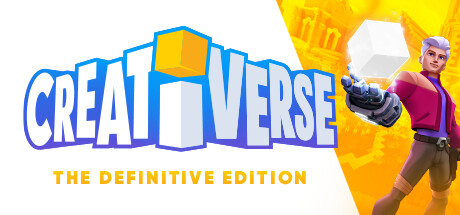
Creativerse
Sandbox Building
A cheerful block-building sandbox with crafting, creatures and adventure maps.
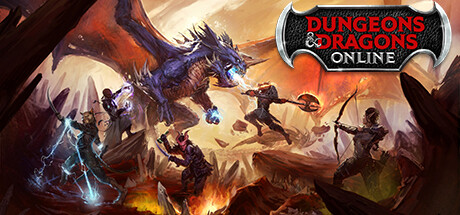
Dungeons & Dragons Online
Fantasy MMORPG
A veteran MMORPG faithful to D&D rules, with deep character building.
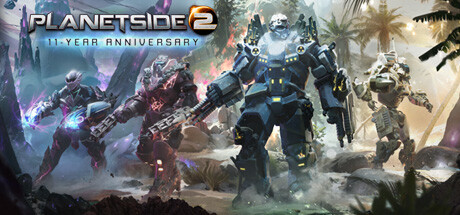
PlanetSide 2
Massively Multiplayer FPS
Hundreds of players fight over entire continents with tanks, aircraft and infantry.

Halo Infinite (Multiplayer)
Arena FPS
Classic Halo arena combat with equal starts, map control and power weapons.

Teamfight Tactics
Auto Battler
Eight-player auto battler where economy and positioning decide the winner.